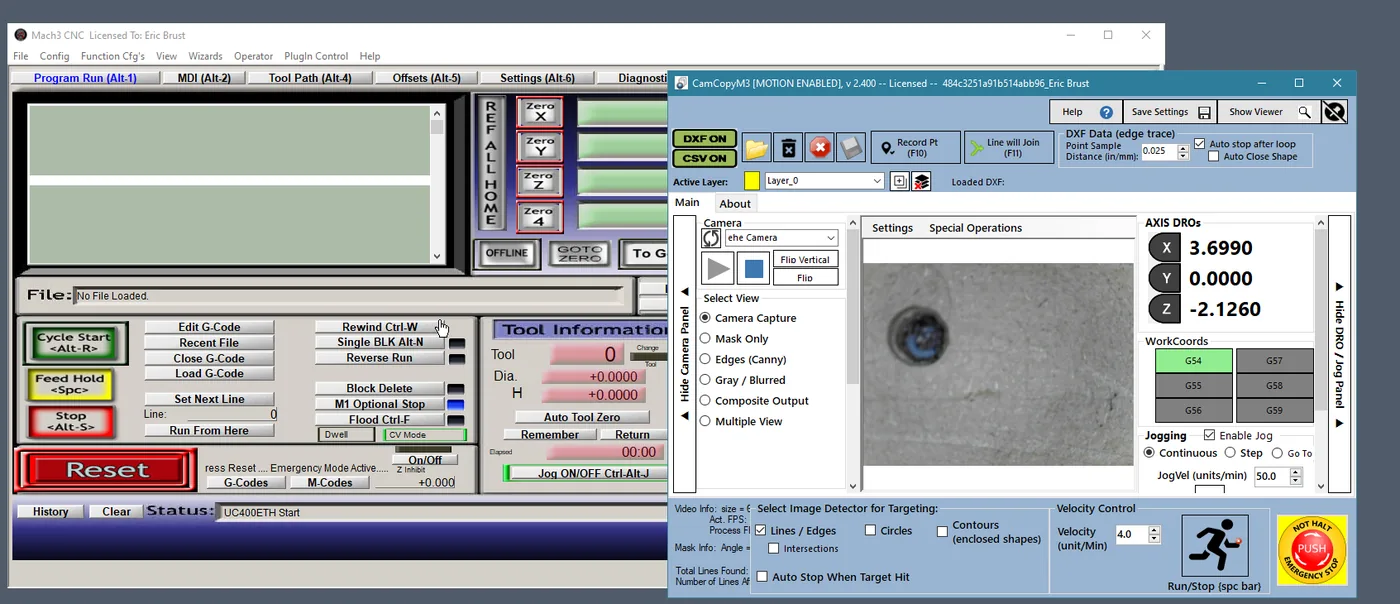
CamCopyM3 is the Mach3 edition of UCamCopy, a vision based probing and ‘line following’ program. It provides 2D perimeter tracing with a camera instead of a touch probe. It requires a webcam, preferably a ‘microscope’ based camera with fairly high magnification. Preferred image resolution from the camera is 640×480 at 30 fps, making cheap cameras ideal. The camera image is processed with EMGU/OpenCV to find edges, lines, circles and shapes. Once an edge is found, CamCopyM3 drives the machine along it through Mach3 and records the path to DXF and CSV files for reconstructing or copying geometry. It runs as a separate program next to Mach3, with a small Mach3 plugin that gives smooth, independent axis speeds.
Current version: v2.400 (Mach3 3.043.x).
Features:
- Camera based edge/line detection and automatic edge following, recording the traced path to DXF (and CSV)
- Video probe circles and arcs: 3 point and multiple point with least squares fit to find centers/diameters
- Locate line ‘intersections’ as a target point; set G68 rotations
- Improved line detection by merging similar lines into a ‘best fit’
- Manual point recording and creating lines/perimeters in the DXF, as well as auto tracing
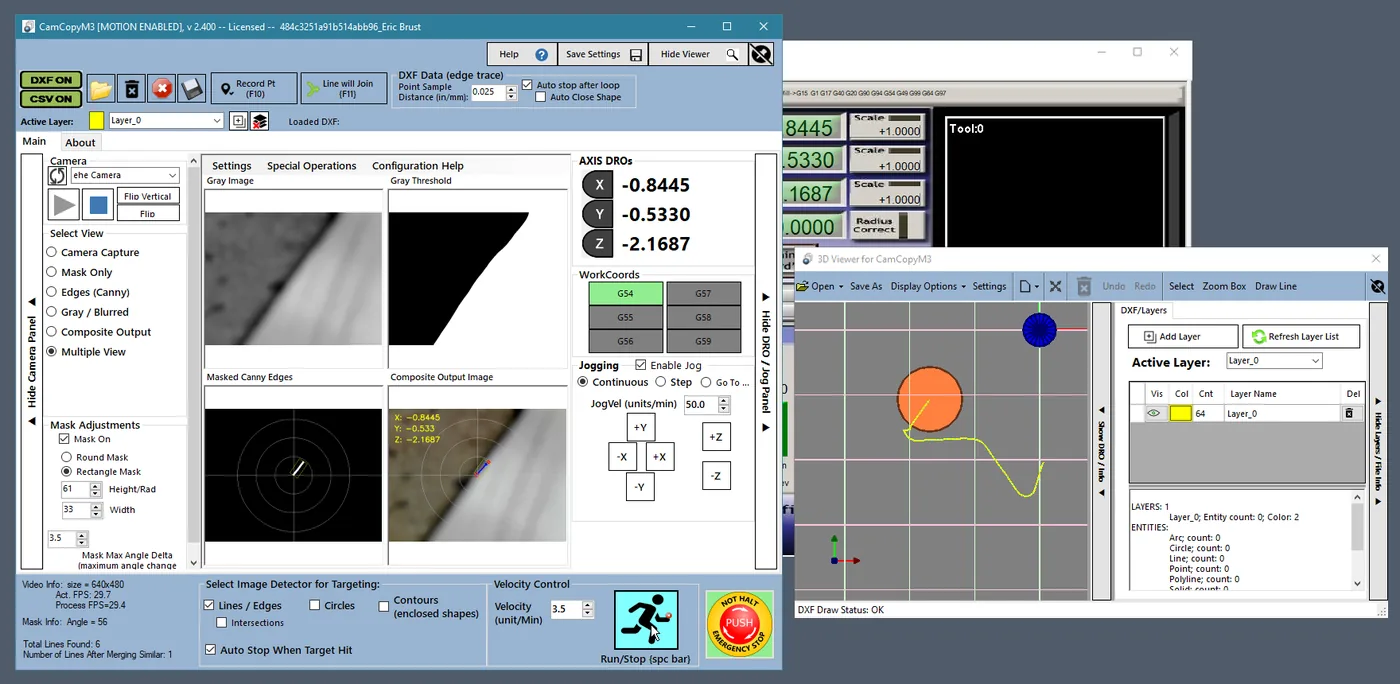
- Multiple views to help adjust the image (original blurred image, canny detections, threshold and composite images shown simultaneously), plus one-click Auto Tune
- 3D/DXF viewer and editor shared with ProbeIt and UCamCopy, with layer and color control; DXF files optimized for VCarve and Lightburn
- Jogging and ‘move to’ controls built in, plus help / setup guides
- Smooth PID velocity control through a Mach3 plugin (a stream of short G1 moves is used if the plugin is not enabled)
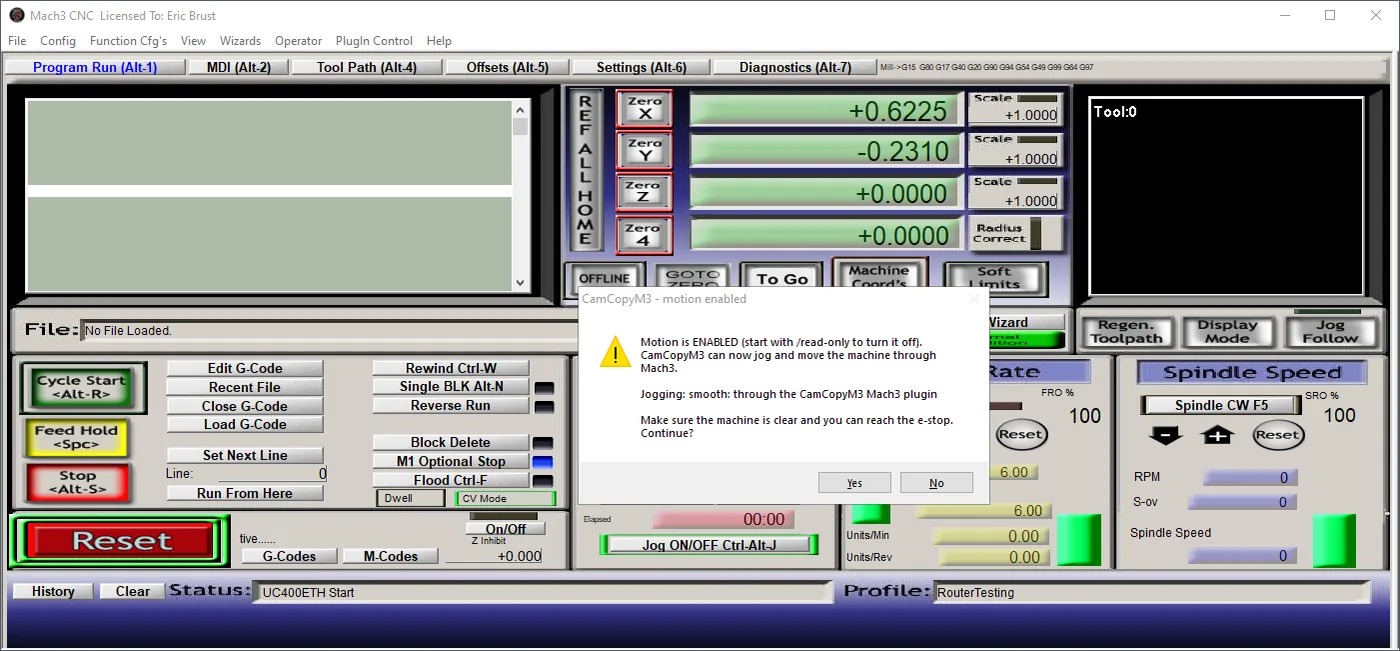
- Motion is on by default, with a read-only shortcut for set-up and viewing
- E-Stop button that asserts and, after you confirm, clears Mach3’s E-Stop
Using UCCNC or Mach4? See UCamCopy for UCCNC and CamCopyM4 for Mach4. Or compare all three versions.
See it in action:
Edge tracing in action:
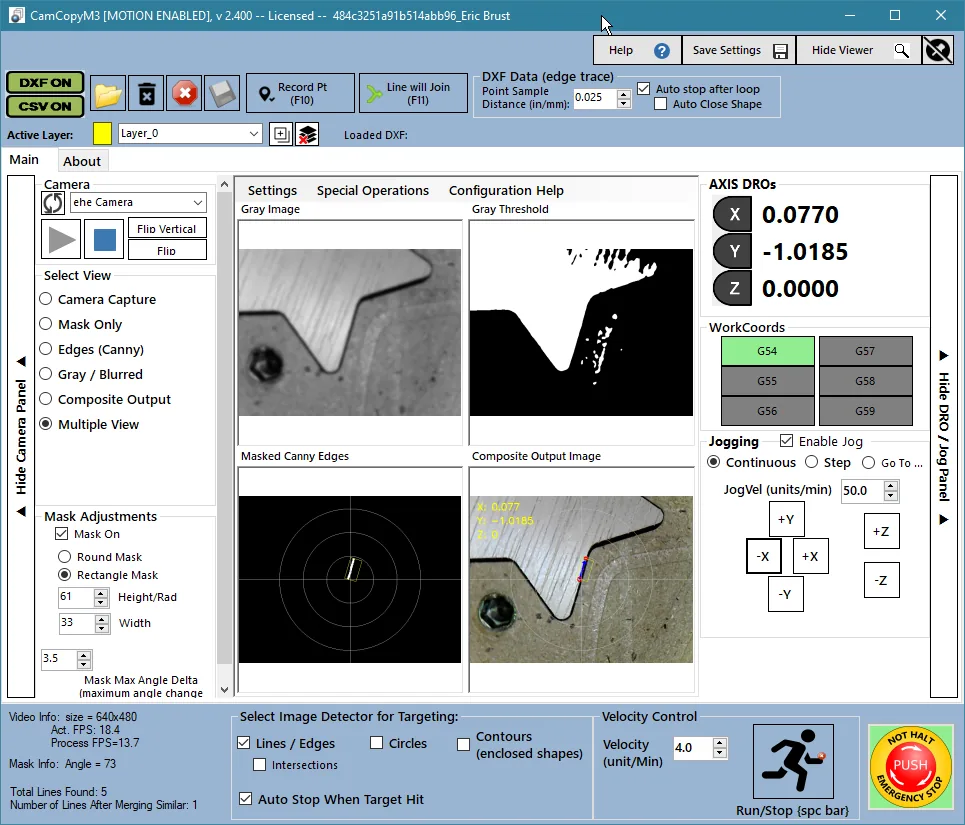
More UCamCopy videos at this playlist show the same windows.
Download here:
CamCopyM3 User Manual (online)
To install: close Mach3 and run the installer, then enable CamCopyM3Plugin in Mach3 (Config > Config Plugins) and restart Mach3.
Purchase here:
CamCopyM3 is $30 for a license key. It is a fully functional demo that is free to use for 20 days to verify its functionality and to see if it works for your needs. The license is tied to this PC (its Windows installation), your Mach3 license file and your Mach3 licensee name. A new Windows installation, a new Mach3 license file or a different licensee name needs a new key. Additional keys for more computers are available on request. See How to Buy for how to find your License ID.
All license sales are final. Because license codes are delivered instantly as digital goods, they are non-refundable, so please try the free demo first to make sure it suits your setup.
Requirements
* Mach3 3.043.x, Windows 7 or later (32 or 64-bit), and .NET Framework 4.0 or later. CamCopyM3 has been tested with a CNCDrive controller, but should work fine with SmoothStepper, PoKeys, or any controller. Please test functionality on your setup before purchase.
* You need to have a camera, preferably a ‘microscope’ camera with the ability to focus up very close and create a zoomed in image. The camera needs to be able to provide an image of 640×480, and 30 fps. It is not recommended to seek a camera with more resolution, as the frame-rate drops significantly with large images due to the amount of processing required to detect lines/edges/contours. See the camera recommendations on the UCamCopy page.
* A little patience 🙂 CamCopyM3 requires a fair bit of user input and setup, with adjusting image lighting, focus, and detector parameters. Please contact me to let me know of issues found, or to propose enhancements.
Versions
Version History (click to expand)
V2.400: 10/18/2026
First release of the Mach3 edition of UCamCopy, built on the same code as UCamCopy for UCCNC: main window, image detection and Auto Tune, PID velocity control, DXF and CSV recording, 3D viewer and DXF editor. Smooth jogging through the CamCopyM3Plugin Mach3 plugin; Windows installer; HTML manual.